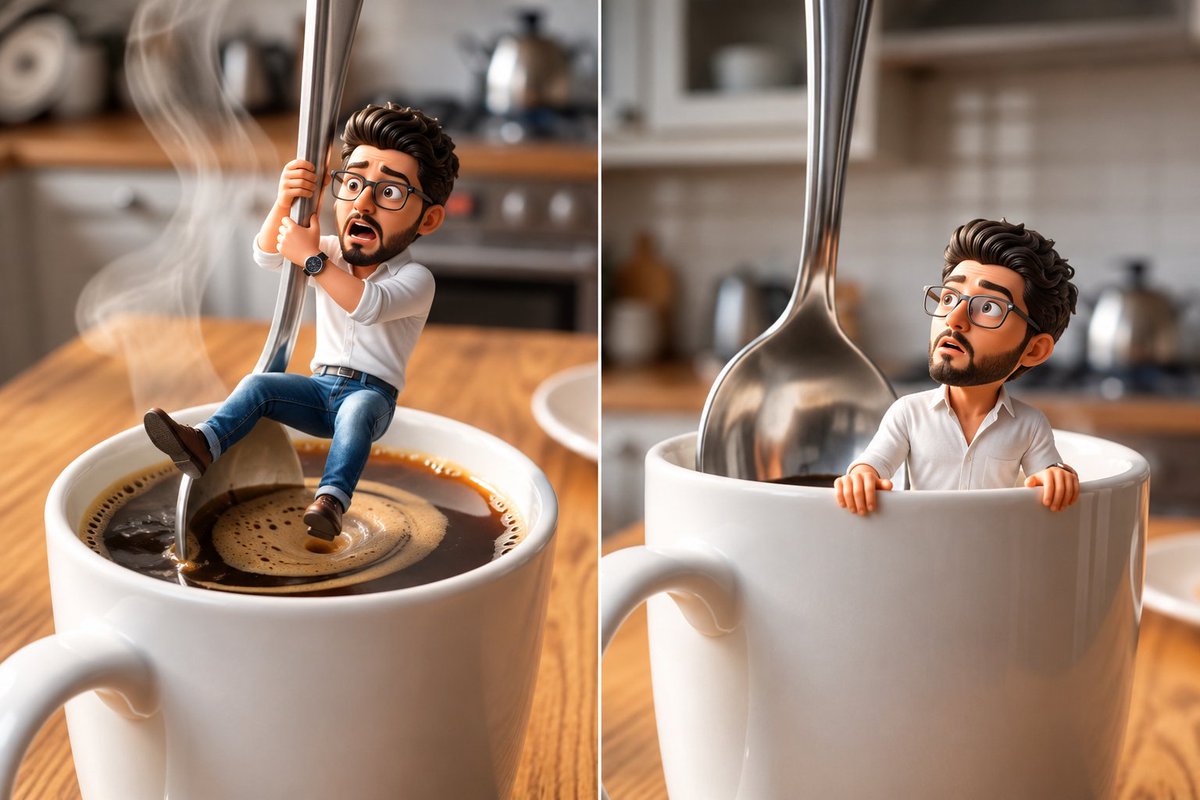
① Open Gemini, Grok or GPT Image 2.0
② Upload your image
③ Paste the prompt
④ Generate your image and video

Prompt given below ⤵️ https://t.co/2CZSR3kSkf
How to get ChatGPT to reverse-engineer the style of an image you find online..

the process is stupidly simple:

step 1. upload your reference image to ChatGPT.

step 2. paste this prompt:

“extract this image’s visual style as reusable JSON: colors, lighting, typography, composition, textures and effects. identify the 3 defining traits to preserve. leave out the subject, logos and wording.”

step 3. save the JSON as your style profile.

step 4. attach it whenever you want that look and ask:

“create an image of [your idea] using this style profile.”

step 5. upload the result alongside your reference and ask:

“compare the styles of these two images. identify the 3 biggest differences and rewrite my generation prompt to bring the style closer to the reference while keeping my new subject.”

the hardest part is finding an image you like.
codex tip: ask codex to do its research first and then use set_goal to set an appropriate goal instead of /goal

It results in massively better prompt and downstream results!

all my prompts would start with requirements gathering and research and once done set_goal